Skip hours of research. Our experts have tested dozens of trading bots so you don’t have to. Answer 6 quick questions and get a personalized recommendation based on your trading style and goals.”
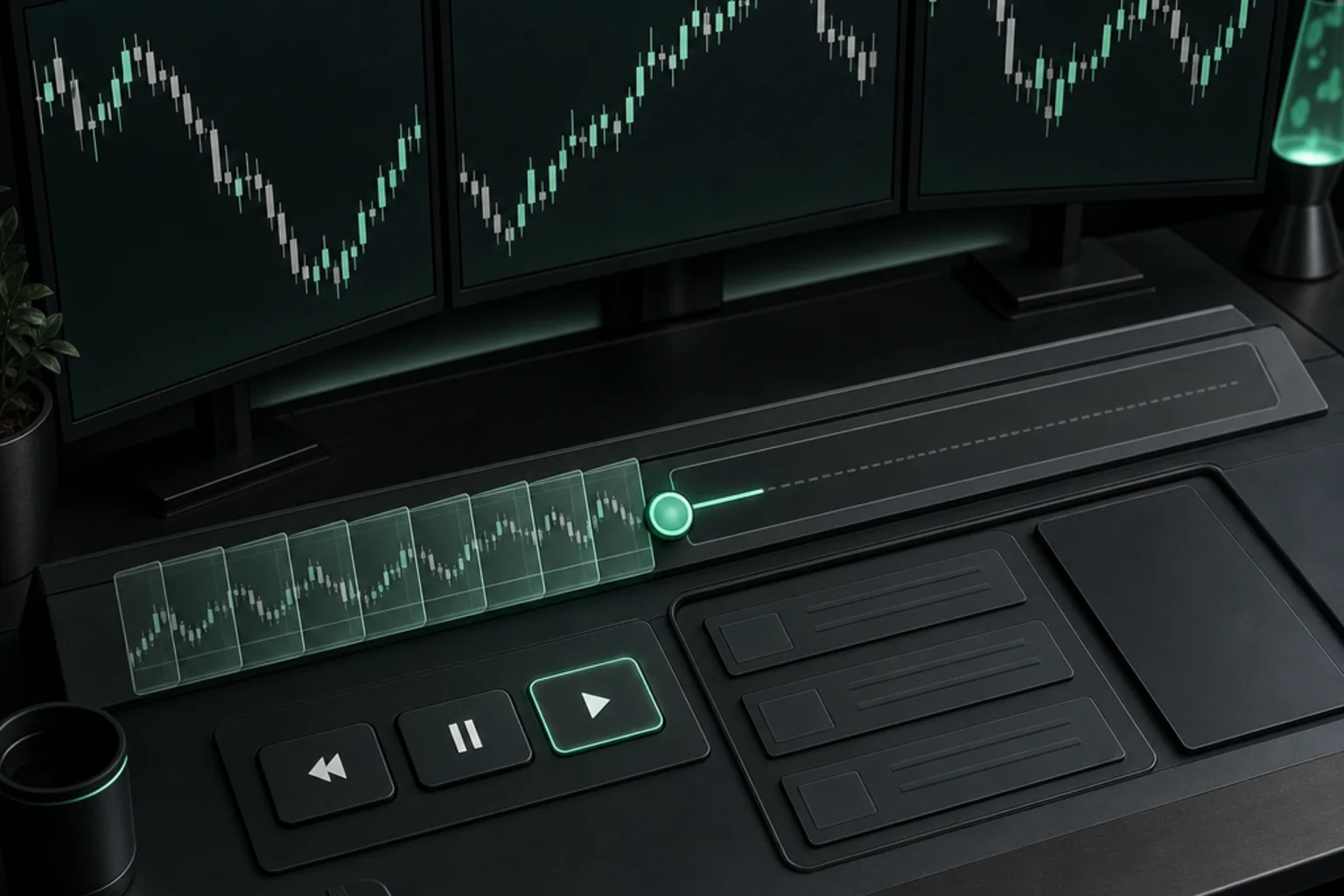
Best Market Replay Software for Traders in 2026 compares TradingSim, FX Replay, Forex Tester Online, TradingView Bar Replay and NinjaTrader Playback Connection for interactive historical-session practice. The buying question is which tool lets you rehearse your actual decisions, with suitable instruments, data and controls, without confusing a simulated outcome with evidence of live profitability.
Start with the session you want to practice. A trader reviewing a stock opening needs different context from someone stepping through a currency chart or rehearsing futures order entry. Identify the instrument, date range, session hours and smallest useful interval. Decide whether you need synchronized charts, recorded market depth, order review or simply a way to hide future candles. An impressive feature list cannot compensate for missing history in the market you actually follow.
Historical replay differs from running an automated strategy across a dataset. You advance a past session and make decisions as information becomes visible. It also differs from forward paper trading, which follows an unfolding market. Our explanation of paper trading and its limitations helps separate those workflows. This comparison evaluates interactive practice, not which platform can run the largest optimization or connect the most trading bots.
For bot users, replay can support reviewing an incident, understanding the context around a signal or practicing an operator checklist. It cannot demonstrate that a live integration handles retries, permissions or broker acknowledgments correctly. Historical charts may also omit information your strategy used at the time. Keep replay observations separate from execution validation, and do not send practice orders through an account that can trade real funds.
Finally, choose a subscription by the complete cost and the evidence it exposes. Check annual commitments, promotional renewal terms, data permissions and whether you can revisit saved sessions after a downgrade. Record assumptions about spreads, commissions and simulated fills. The purpose is a repeatable learning process with honest limitations, not a polished practice result that encourages greater financial risk.
Quick Answer
1. TradingSim
Best for: Replaying US stock sessions with market context. TradingSim offers web-based historical replay across equities, futures and crypto, with Level 2 and deeper history listed for Premium.
2. FX Replay
Best for: Starting with a limited free practice workspace. FX Replay provides Free, Intermediate and Pro tiers with different session, retention and data allowances.
3. Forex Tester Online
Best for: Structured multi-chart practice with optional automation. Forex Tester Online offers synchronized historical charts and separates Starter coverage from Pro tools and instruments.
4. TradingView Bar Replay
Best for: Practicing within an existing charting workflow. TradingView includes Bar Replay in its plan comparison, with historical access varying by subscription and interval.
5. NinjaTrader Playback Connection
Best for: Futures-platform order-entry practice. NinjaTrader describes Playback Connection as replaying recorded historical tick data, while its pricing page qualifies Market Replay access by account funding.
How we compared the Best Market Replay Software for Traders in 2026
Author: TradingBotExperts Editorial Team. Last updated: October 16, 2026. We reviewed the current official product and pricing sources linked below. Criteria were replay workflow, instrument and history scope, session retention, purchase terms, access restrictions and the ability to separate practice from live execution. These are documentation-based assessments, not hands-on tests, measured benchmarks or claims about learning outcomes.
“Best for” recommendations are editorial inferences about workflow fit. We did not purchase subscriptions or verify every instrument inside a signed-in account. Empty pricing-table cells and broad marketing descriptions are not proof of an entitlement. Where pages conflict or direct requests are blocked, we preserve that uncertainty rather than inventing a definitive answer.
Comparison table: focus the region and use Left/Right arrows to scroll, Home for the first column and End for the last. On touch screens, swipe horizontally.
Tool
Best For
Strength
Limit
Pricing
TradingSim
US stock-session context
Multi-symbol replay
Premium depth/history entitlement
Pro $396/year; Premium $449/year
FX Replay
Limited free practice
Session-based workflow
Retention and trade caps by tier
Free; paid monthly or annual
Forex Tester Online
Synchronized practice
Multi-chart workspace
Promotional prices; tiered coverage
Displayed annual promotion $159/$239
TradingView Bar Replay
Existing chart users
Familiar chart environment
Interval/history and data limits
Annual-billed offers from $12.95/month
NinjaTrader Playback Connection
Futures order-entry practice
Recorded tick playback
Confirm funded-account eligibility
Free simulation; separate brokerage plans
1. TradingSim
Best for: Traders who want to review a stock session alongside other symbols instead of studying one isolated chart.
Features: The official TradingSim homepage describes web-based replay, synchronized symbols and timeframes, extended-hours review, bookmarks, simulated order tickets and market-scanning context. It lists US equities, futures and crypto. Premium adds Level 2 analysis, tick and second charts, five years of history versus two, and sessions delayed by fifteen minutes.
Limits: Verify the particular ticker, contract and date before subscribing. Broad market coverage does not establish complete historical depth for every instrument. A fifteen-minute-delayed session is not live execution data. Simulated order types and displayed depth also do not prove queue position or reproduce the liquidity available to a real order.
Pricing: Pro displays $33/month billed annually at $396; Premium displays $37/month billed annually at $449. The Premium monthly display is rounded and does not multiply exactly to the stated annual charge: use $449 as the published annual total, not an invented $444 total. The official trial page advertises seven-day trials. Confirm checkout taxes, cancellation, renewal and any payment-card requirement rather than assuming a trial is automatically non-renewing.
Choose if: Your practice benefits from watching several stocks and reviewing the surrounding session. Avoid paying for Premium solely because more detailed data sounds more realistic; first establish that its additional history or depth answers a specific question in your routine.
2. FX Replay
Best for: Beginners testing whether a dedicated replay routine is useful before committing to a paid tier.
Features:FX Replay's pricing page lists replay sessions, indicators, journaling and analytics. Free includes two sessions, one indicator and one-week retention. Intermediate expands the workspace to ten sessions, two charts, three indicators and six-month retention. Pro removes the listed session and retention caps and adds expanded market data and seconds-level intervals.
Limits: Intermediate lists 200 records or trades per session. Confirm how these are counted before a long study. The page associates futures/CME access with Pro and mentions stocks in its FAQ; check the exact symbols and permissions you require. Seconds-level intervals should not be described as verified tick-by-tick execution fidelity, even when marketing uses “tick-precise” wording. Ask about downgrade handling before relying on saved sessions as your only research archive.
Pricing: Free is an ongoing plan, not merely a timed trial. Intermediate is $180 annually, shown as $15/month, or $17.99 month-to-month. Pro is $350 annually or $35 monthly; the annual monthly equivalent appears as both $29.16 and $29.17 on the page. Use the annual total and qualify rounding. Taxes may apply. Paid-plan free trials are advertised without a card, but we did not establish a reliable trial duration.
Choose if: You want to evaluate sessions and journaling together with modest initial commitment. Avoid a low tier if retention or trade caps prevent you from completing and later reviewing your planned sample.
3. Forex Tester Online
Best for: Traders who want synchronized multi-chart practice and may later need custom indicators or assisted workflows.
Features: The official Forex Tester Online homepage describes up to ten synchronized charts, historical tick data, navigation tools and trade review. Starter lists 80 symbols; Pro lists 283 across an expanded range of asset types, plus custom indicators, trading robots, automations and blind testing. This recommendation concerns the Online product, not the separate desktop software license.
Limits: Historical depth varies by instrument; “up to” years of data is not uniform coverage. Imported trade history is not a broker connection or permission to execute orders. Promotional claims about eliminating bias, proving an edge or passing funded challenges are not findings from this comparison. Direct HTTP checks encountered 403 blocking even though official page-content retrieval succeeded, limiting independent access verification.
Get the Top 5 Bots for Early Retirement report:
Pricing: The current countdown promotion displays Starter at $159/year and Pro at $239/year, compared with stated non-promotional annual prices of $199 and $299. Monthly equivalents are not monthly billing. The page says the promotional annual price stays locked on renewal; confirm eligibility and the contract shown at checkout rather than treating an expiring promotion as a permanent public rate. Taxes may apply. A no-card demo and thirty-day money-back language are advertised; check the applicable refund terms.
Choose if: Synchronized charts and structured historical navigation fit your practice. Avoid purchasing Pro merely for automation if your requirement is manual replay. Trial the instrument list and workflow first; do not import assumptions from older Forex Tester desktop offers.
4. TradingView Bar Replay
Best for: Existing TradingView users who want historical chart practice without immediately adopting another research workspace.
Features: The official plan comparison distinguishes Bar Replay history by interval. Daily-and-higher history is listed across plans; Essential lists 180 days of minute history, Plus 365 days, and higher tiers broader access. Premium and Ultimate list seconds history, while Ultimate lists seven days of tick history. Actual available history still depends on the instrument and dataset.
Limits: Do not infer every capability from empty extracted feature cells. The broader platform has web, desktop and mobile apps, but that does not establish identical replay functionality on every device. A charting subscription is not blanket exchange-data entitlement. Extra real-time and intraday exchange data can require separate subscriptions, and professional-user eligibility differs. Replay practice must remain separate from connected live-broker controls.
Pricing: Retrieved special offers display Essential $12.95, Plus $29.95, Premium $59.95 and Ultimate $199.95 per month, billed annually. They are not month-to-month rates or guaranteed renewal prices. Applicable sales tax may be added. The page says only Ultimate is available to professional users. Confirm your classification, selected term and data charges before comparing totals.
Choose if: Familiar chart tools matter more than a specialized practice journal or order-review environment. Avoid buying solely for replay without checking your target interval and date range. For running programmed rules across data, use our separate automated backtesting software comparison; that is a different buying decision.
5. NinjaTrader Playback Connection
Best for: Futures traders practicing platform decisions and order entry within the NinjaTrader ecosystem.
Features: The official simulator page describes Playback Connection as replaying recorded historical tick data, with a stated ninety-day lookback. It also presents charting, market depth and simulated order workflows. Treat the available history and replay connection as specific requirements to check, not a promise that every contract and session is downloadable.
Limits: The simulator page describes free simulation without a funding requirement. However, the pricing page explicitly includes Market Replay among benefits activated by a funded, approved live account. Free simulation and unrestricted replay entitlement are therefore not interchangeable claims. Confirm the exact account and connection requirement with NinjaTrader. General Desktop/Web/Mobile access also does not establish identical Playback Connection support across clients or operating systems.
Pricing: The brokerage pricing page lists a Free plan, a $99 monthly plan and a $1,499 lifetime plan. These are brokerage-account pricing choices, not standalone replay subscriptions. Exchange, clearing, NFA and applicable data or account fees are separate. The simulator page advertises fourteen days of streaming live market data; this is not a fourteen-day limit on all simulation, nor proof that historical replay access needs no funding.
Choose if: Futures-platform familiarity is central and you can confirm eligibility without misunderstanding the financial commitment. Avoid opening or funding an account just because “free simulator” sounded like unconditional replay access. If you need a bot following an unfolding market, compare paper-trading bot environments separately.
Choosing the Best Market Replay Software for Traders in 2026
Choose a limited free plan if you are establishing a routine and its session limits fit your sample. Avoid a long annual commitment if you have not checked your instruments, saved-session access and cancellation rules. Budget for data and tax, not just the largest displayed monthly number.
Choose a familiar chart workspace if learning another interface would distract from the decision you want to rehearse. Avoid assuming desktop and mobile parity if your practice depends on multiple charts or a particular replay connection. Beginners should start with one documented session task rather than every available control.
Choose deeper history or depth data if your question genuinely requires it. Avoid treating depth as proof of fill quality if you cannot model queue position, cancellations and liquidity. Our guide to slippage and execution differences explains why a historical price is not necessarily an executable price.
Choose a dedicated replay workspace if repeated pause, review and annotation are the goal. Avoid substituting it for automated validation if you need to test code or broker integration. Keep a systematic backtesting process separate from discretionary rehearsal.
A practical replay workflow and proof checklist
Before purchase, select several unfamiliar sessions rather than only memorable winners. Write the instrument, exchange, timezone, interval and decision rule before pressing play. Hide future information where the product permits it. Record entries, cancellations and reasons contemporaneously; rewinding to improve an answer changes the exercise and should be labeled as review, not an untouched first attempt.
Check what the simulator actually records: order time, assumed fill, commissions, spread and any missing depth. Save screenshots and notes in a format you can retain under the subscription terms. A separate trading journal can help distinguish initial decisions from later commentary. Do not treat export availability as permission to redistribute licensed market data.
Repeat the same procedure across quiet and volatile sessions, including mistakes. Evidence of a usable practice workflow includes reproducible settings, understandable records and known data gaps—not merely a favorable balance. Before any live automation, follow controlled pre-live testing, validate broker-side orders and positions, and keep practice credentials isolated. Replay success is not proof that trading can safely begin or resume.
Frequently asked questions
Is market replay the same as paper trading?
No. Historical replay advances a past session under your control. Forward paper trading follows an unfolding market with simulated orders. Both can differ materially from live execution.
Can I practice market replay for free?
Some products offer free tiers or demos, but history, retention and session limits apply. NinjaTrader's free simulation should not be confused with unconditional Market Replay entitlement.
Does tick replay guarantee realistic fills?
No. Detailed historical data does not by itself reproduce queue position, liquidity, latency, commissions or the effect of your own order on the market.
Can replay results prove a trading bot is ready?
No. Interactive practice does not validate code, credentials, broker acknowledgments or recovery behavior. Separate controlled integration tests and broker reconciliation are still required.
Educational software comparison, not financial advice. No hands-on testing, investment returns or performance guarantees are claimed. Verify current vendor terms and independently assess financial and operational risks.
Free Report
Before You Choose a Bot, Read This
Get our free Top 5 Bots for Early Retirement report plus The Bot Report newsletter — the bots we'd actually trust to compound over the long term.
Written by
TradingBotExperts Editorial Team
14 min read
The TradingBotExperts Editorial Team researches trading software, official documentation, operational tooling and trading automation risks.
How to Choose the Best Trading Bots for Your Strategy
Take our free quiz to show how to pick bots that actually work for you
Get My Free Bot Report
Get Our Expert Bot Recommendation
Skip hours of research. Our experts have tested dozens of trading bots so you don’t have to. Answer 6 quick questions and get a personalized recommendation based on your trading style and goals.”
Join The Bot Report newsletter and get our free guide to the five trading bots most likely to help you retire early — backed by real reviews and verified performance.