Skip hours of research. Our experts have tested dozens of trading bots so you don’t have to. Answer 6 quick questions and get a personalized recommendation based on your trading style and goals.”
Best Uptime Monitoring Tools for Trading Bot Users in 2026
The Best Uptime Monitoring Tools for Trading Bot Users in 2026 depend on what must stay healthy: a scheduled trading job, a continuously running worker, an HTTP endpoint or a browser workflow. Healthchecks.io, Cronitor, Better Stack, UptimeRobot, Checkly and Dead Man’s Snitch cover different combinations. Start with a success heartbeat from the bot itself; add external endpoint checks where useful. A reachable dashboard does not prove the worker is processing fresh market data.
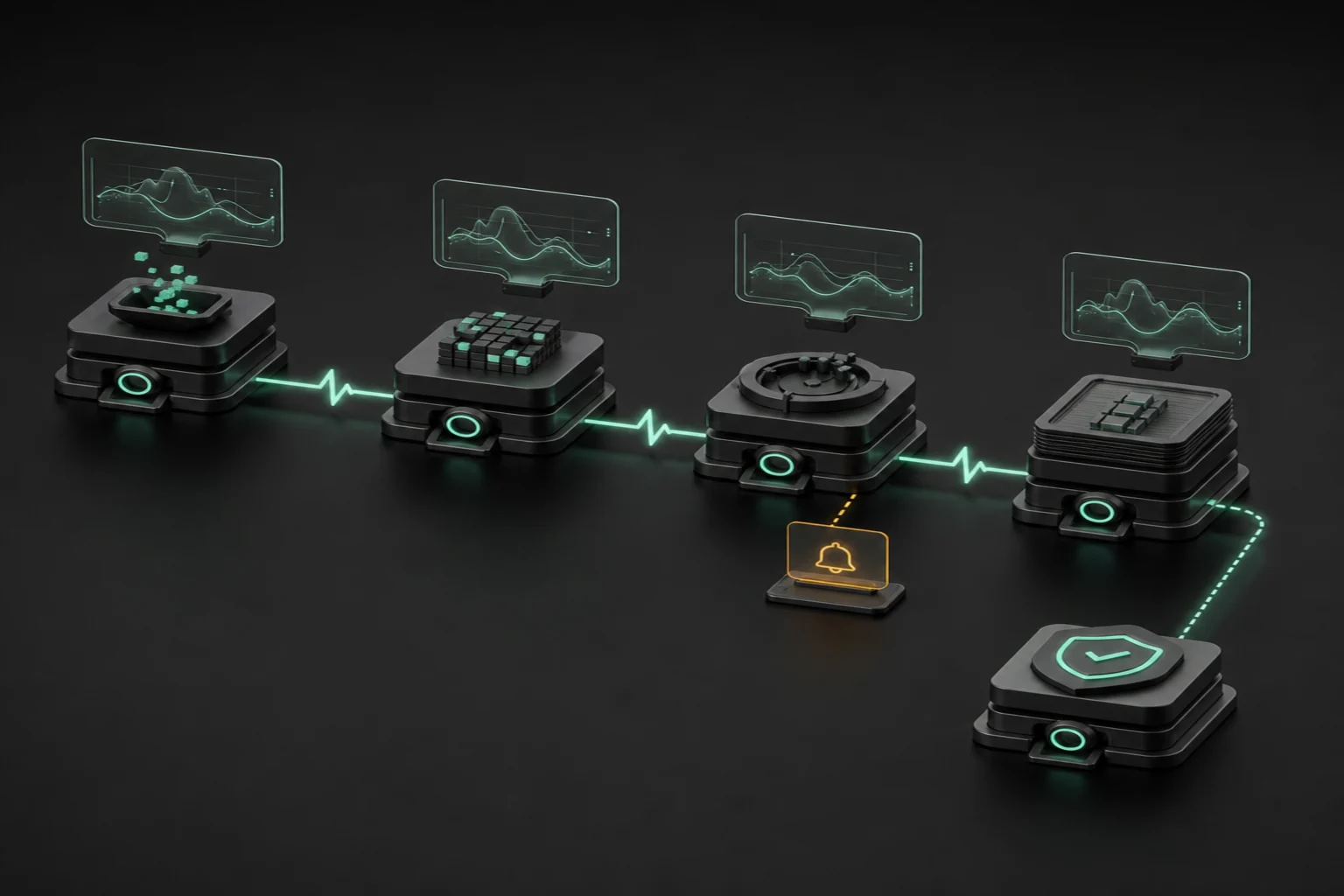
Trading bot monitoring should distinguish process liveness from useful progress. A bot can answer HTTP requests while its market-data connection is stale, its queue is stuck or its broker session has expired. Conversely, a quiet strategy may legitimately place no orders for hours. Define health around completed processing cycles, fresh inputs and reconciled broker state, not trading frequency. For a daily rebalance, monitor successful completion against its schedule; for a continuous worker, emit heartbeats after meaningful progress.
A cron monitoring service receives a signal from your job and notices when that signal goes missing. An external uptime checker actively requests an endpoint. Synthetic API or browser checks can validate a response or workflow, but should never submit real orders merely to test availability. These layers complement one another rather than establish profitability. Our live-bot monitoring and maintenance guide explains the broader operating discipline.
Before comparing plans, list job schedules, expected runtime, acceptable detection delay, notification recipients and the evidence you need after an incident. Include weekends, exchange holidays, retries and maintenance windows. Decide who acknowledges an alert and whether pausing new orders is appropriate. Keep the monitoring service independent of the bot’s host: putting both on one machine creates a shared failure point. This documentation-based comparison evaluates operational uptime alerts for trading bots, not paid-account performance tests, strategy analytics, execution compatibility or measured support quality.
Quick Answer
1. Healthchecks.io
Best for: inexpensive scheduled-job heartbeats and an open-source self-hosting option. Its period/cron schedules, grace time and start/failure signals fit instrumented workers.
2. Cronitor
Best for: teams combining job execution telemetry with external HTTP/API checks. Duration assertions and explicit run/complete/fail events distinguish more than missed pings.
3. Better Stack
Best for: monitoring tied to on-call ownership, escalation and phone notifications. Heartbeats and endpoint checks feed the incident workflow.
4. UptimeRobot
Best for: straightforward endpoint checks. Its free tier is limited to basic personal monitoring; heartbeat and advanced checks require paid plans.
5. Checkly
Best for: developers managing API/browser assertions and monitoring as code. Its heartbeat monitors supplement, rather than replace, synthetic tests.
6. Dead Man’s Snitch
Best for: simple missing-job notifications. Snitch intervals and plan-dependent Smart Alerts suit jobs with predictable completion windows.
Methodology: Best Uptime Monitoring Tools for Trading Bot Users in 2026
Author: TradingBotExperts Editorial Team.Last updated: October 2, 2026. We reviewed official documentation, pricing and API pages for heartbeat semantics, scheduling, grace periods, active-check cadence, retention, alerts, automation, support and hosting. Rankings reflect distinct operational use cases, not benchmark scores. Compatibility means your bot can send a documented request or expose an approved endpoint; none requires a particular broker connection.
No paid accounts, live orders, notification-latency measurements or support-response tests were performed. Prices are documentation snapshots, with billing term, currency, seats, quotas and extras separated below. Free-plan eligibility and product-specific limits matter. Regional subscription access, notification delivery and data residency were not verified country by country. Multi-location probing is not proof of availability everywhere. Provider claims and customer testimonials are not independent reliability measurements.
Best Uptime Monitoring Tools for Trading Bot Users in 2026: Comparison Table
Focus this table and use the arrow keys or End to reach Pricing on narrow screens.
Tool
Best For
Strength
Limit
Pricing
Healthchecks.io
Scheduled-job heartbeats
Cron/grace controls; self-hostable
Not an active endpoint checker
Free 20 jobs; Business $20/month
Cronitor
Jobs plus API checks
Run/complete/fail and duration assertions
Monitor and user charges accumulate
Free 5; Business $2/monitor + $5/user monthly
Better Stack
On-call operations
Escalation, heartbeats and multi-location checks
Responder and monitoring extras
Free limited; responder $34 monthly or $29/month annual
UptimeRobot
Simple external checks
Basic endpoint monitoring; paid heartbeats
Free lacks heartbeat/advanced monitoring
Free 50; EUR Solo from €10 monthly
Checkly
Developer synthetic tests
Assertions, Playwright and IaC
Runs, locations and overages affect cost
Hobby free; Starter $24/month annual
Dead Man’s Snitch
Missing-job alerts
Simple pings and interval windows
No verified active API/browser suite
One free; 3/$5, 100/$19, 300/$49 monthly
1. Healthchecks.io
Best for: a budget-conscious trading bot uptime monitor focused on scheduled jobs and controllable self-hosting.
Features: The official guide documents period-based, cron and OnCalendar schedules, grace time, and optional start/failure signals. Create a check per meaningful job, set its timezone/schedule and send success only after validation. A start without success within grace time detects excessive runtime. Email, Slack, webhooks and incident integrations support separate recipients.
Limits: Retention is entry-count based, not a guaranteed number of months: frequent heartbeats overwrite evidence sooner. Quotas and transport failures still matter. This is not an active endpoint checker.
Pricing: The pricing page lists Hobbyist free with 20 jobs and 100 log entries per job; Business is $20/month for 100 jobs and 1,000 entries, or $192/year. Business includes 50 combined SMS/WhatsApp credits, 20 call credits and email support.
Choose if: you need scheduled workers or controllable self-hosting. Avoid if: this would be your only external endpoint checker. Its management API supports programmatic configuration; the BSD-licensed self-hosted edition requires your own database, email delivery, cleanup and availability supervision. Place it outside the bot’s failure domain; software licensing does not remove hosting or staffing costs.
2. Cronitor
Best for: teams combining cron job monitoring, execution telemetry and external HTTP/API checks.
Features:Job monitoring documentation defines run, complete and fail telemetry, cron/interval schedules, grace periods, failure tolerance and duration assertions. SDKs and platform integrations can instrument existing jobs; validate that “complete” means your bot actually finished. Its uptime guide documents HTTP checks, JSON/status assertions and selectable global regions. Email, chat, SMS, webhooks and incident integrations route failures.
Limits: Hacker has five-minute active checks without SMS or premium integrations. External-check frequency is distinct from heartbeat scheduling. Browser runs, status pages and SAML have separate charges.
Pricing:Hacker offers five free monitors and email/Slack. Business lists $2 per monitor plus $5 per dashboard user monthly, 30-second active checks, 12-month retention, unlimited API requests and email/chat support. Ten monitors with one user therefore cost $25/month before extras.
Choose if: job duration, failed execution and endpoint health need one view. Avoid if: you have budgeted only the monitor charge or need unverified hosting capabilities. The documented Monitor API provides automation; we did not verify a vendor-supported Terraform workflow or a self-hosted Cronitor edition.
3. Better Stack
Best for: staffed automated trading infrastructure needing on-call ownership and escalation alongside heartbeats.
Features: The heartbeat guide specifies expected frequency, grace and explicit failure reporting. Monitoring starts after the first ping. Assign an on-call escalation policy and test ownership, not just delivery. Its API guide separates HTTP status checks from keyword validation. REST API and Terraform integration support repeatable configuration.
Limits: Paid monitoring advertises up to 30-second active checks and one-second heartbeat resolution—not guaranteed delivery latency. Unlimited incident history does not mean unlimited telemetry retention. Free accounts do not establish paid responder privileges.
Pricing:Pricing lists a personal-project free allowance and paid responder licenses at $34/month or $29/month billed annually, including unlimited phone/SMS alerts. Additional 50 uptime monitors cost $25 monthly or $21/month annual; additional ten heartbeats cost $20 or $17 respectively.
Choose if: you need escalation ownership and multi-location incident verification. Avoid if: you assume free access includes paid responder privileges. Its product page says ten monitors plus ten heartbeats, while the free pricing summary says “10 monitors & heartbeats”; confirm the allowance at signup. We did not test support responsiveness or verify a self-hosted replacement for hosted Uptime.
4. UptimeRobot
Best for: straightforward endpoint monitoring, with heartbeat checks added on an eligible paid plan.
Get the Top 5 Bots for Early Retirement report:
Features: Add an external HTTP/port/ping check first, then use the heartbeat guide for instrumented internal jobs on an eligible paid plan. A separate timer ping only proves that timer runs; attach the ping to the bot’s success path. Multi-location checks and maintenance windows are paid features.
Limits: Free has five-minute intervals for personal/basic checks, but no heartbeat or advanced API monitoring. Retention is three months Free, twelve Solo, twenty-four Team/Scale. SMS/voice credits, seats and monitor tiers affect totals.
Pricing: The official pricing reference lists Free with 50 monitors. The fetched EUR offer lists Solo from €10/month for ten monitors at 60 seconds, Team from €41/month at 30 seconds, and Scale from €77/month at 15 seconds. Annual equivalents start €9/€35/€65; those are not currency conversions.
Choose if: you need simple endpoint surveillance. Avoid if: you need Free to satisfy heartbeat-dependent or unverified commercial requirements. Platform API access exists even on Free, distinct from paid “API monitoring.” We did not verify official IaC or self-hosting, or measure support quality; Enterprise support/SLA terms require a quote.
5. Checkly
Best for: developers combining heartbeat monitoring with versioned API/browser assertions and infrastructure as code.
Features:Checkly’s product/pricing documentation describes API assertions, multistep checks, Playwright browser tests, CLI, Terraform and Pulumi. Test a read-only broker-status or application workflow with restricted credentials. Its heartbeat documentation uses intervals plus grace: each ping resets the timer, so a late run shifts the next expected ping. This is not an assumed fixed cron timetable.
Limits: Hobby lists ten uptime monitors, two-minute maximum frequency, six locations, 10,000 API and 1,000 browser runs monthly. Raw retention is seven days Hobby/Starter, thirty Team; aggregates are thirty days versus one year. Cadence, location scheduling and retries change consumption.
Pricing: Hobby is free. Starter is $24/month billed annually with 50 monitors; Team $64/month annual with 75 and 30-second uptime frequency. Starter synthetic overages are $2.60/10,000 API runs and $6.50/1,000 browser runs.
Choose if: you need assertions and versioned configuration. Avoid if: maintaining test code is disproportionate to a simple missing-job alert. Private locations are plan-dependent execution agents, not a self-hosted Checkly control plane. Email/Slack/webhooks and paid alert channels vary; support contact is documented, but response quality is untested.
6. Dead Man’s Snitch
Best for: simple missing-completion notifications for predictable scheduled jobs rather than an active synthetic suite.
Features: The official FAQ explains fixed heartbeat windows and Smart Alerts that adapt to consistent check-ins. Basic hourly/daily/weekly/monthly intervals differ from enhanced minute-level intervals. Match the actual completion window; fixed daily checks use midnight UTC. Email reports missing jobs and recovery; integrations include Slack, PagerDuty and webhooks on eligible plans.
Limits: The FAQ documents two years of history and, after the first ten hourly pings, a one-hit-per-minute limit. Weekly/monthly Smart Alerts are available on paid plans; hourly Smart Alerts require Surveillance Van.
Pricing:Plans list one free Snitch, Little Birdy $5/month for three with basic intervals, Private Eye $19 for 100 with enhanced intervals/integrations, and Surveillance Van $49 for 300 with Smart Alerts/Error Notices.
Choose if: you need predictable scheduled-job completion. Avoid if: you need verified active HTTP/browser monitoring or high-frequency event telemetry. Its JSON API supports management. On-premise hosting is “contact us,” not a verified free self-hosted distribution; support delivery was not tested.
Decision framework: match monitoring to the workload
Budget/beginners: choose Healthchecks.io for instrumentable scheduled jobs; avoid replacing endpoint checks with pings. Choose UptimeRobot for simple external reachability; avoid assuming Free has heartbeats. Choose Dead Man’s Snitch for a small, predictable schedule; avoid basic intervals for minute-sensitive workers.
Developers/teams: choose Cronitor for execution events and duration assertions; avoid unexplored per-user costs. Choose Checkly for read-only API/browser assertions and IaC; avoid maintaining complex tests without an owner. Choose Better Stack for staffed escalation; avoid paying for responder seats without a response procedure.
Self-hosting/multi-region: choose independently hosted Healthchecks when you can maintain it. For regional endpoint views, compare Cronitor, Better Stack, Checkly or paid UptimeRobot location coverage; avoid calling multiple bot heartbeats “multi-region external probing.” Keep bot instances distinct. Our VPS comparison covers a separate infrastructure choice.
Passive versus higher-frequency: daily jobs need calendar-aware completion monitoring; continuous workers need progress heartbeats plus freshness checks. Faster strategies need local watchdogs and execution-side controls, not reliance on SaaS polling. Monitoring is neither an order router nor P&L analytics: our trading-journal comparison addresses post-trade review.
Instrumentation and evidence before relying on alerts
Create separate heartbeat checks for data ingestion (fresh inputs received and validated), signal calculation (the calculation cycle completed, including a valid no-trade result), order submission (an attempted submission reached a recorded acknowledgement or explicit rejection), and reconciliation (broker orders and positions were compared with local state). Schedule submission checks only when an attempt is expected; quiet strategies are not failures. An acknowledgement is not a fill, and reconciliation completion does not prove profitable or error-free execution. Separate checks expose which stage stopped progressing.
Emit success after a processing cycle validates data age and reconciliation, not from an unrelated always-running timer. Use documented failure/start events where supported, bounded request timeouts and retries that cannot stall execution. Keep heartbeat URLs and management tokens secret; never place broker trading keys in notification payloads. Export needed incident evidence before retention expires.
Choose grace from observed runtime and network jitter, then separately allow for market calendars and maintenance. Too much grace delays detection; too little produces noise. Market-data freshness belongs in the health assertion, while our market-data API comparison addresses feed entitlements. Confirm endpoint timestamps, not merely HTTP 200.
In staging, stop the worker, break a dependency and simulate stale inputs. Verify missed-success and explicit-failure notifications, escalation, acknowledgement, recovery and regional behavior without submitting live orders. Our pre-live bot testing guide and paper-trading comparison help separate these checks from performance testing. Record detection and delivery times yourself; published cadence is not an end-to-end SLA.
Monitoring outages, blocked egress and notification failures can resemble bot failure. Use independent transports and a documented operator response; do not automatically liquidate positions because one heartbeat is missing. Apply separate risk limits, reconciliation and authorized pause controls as described in bot risk management. Operational evidence proves only what the instrumented checks observed.
Frequently Asked Questions
Does an HTTP 200 prove my trading bot is healthy?
No. A reachable endpoint can coexist with stale data or a stuck worker. Validate meaningful progress, input freshness and reconciliation separately.
Should heartbeats be sent before or after a job?
Send success after validated completion. Use a separate documented start signal where supported; a start ping alone does not prove completion.
Can uptime monitoring replace execution risk controls?
No. Notifications can be delayed or fail. Local watchdogs, position limits, reconciliation and authorized pause procedures remain separate requirements.
Is self-hosting free and safer?
Open-source licensing does not eliminate hosting, maintenance or delivery costs. Hosting the monitor beside the bot creates a shared failure point.
Educational software comparison, not financial advice. No monitoring tool guarantees profitable trading, uninterrupted execution or protection from loss. Verify current plans, terms and your own operating procedures.
Free Report
Before You Choose a Bot, Read This
Get our free Top 5 Bots for Early Retirement report plus The Bot Report newsletter — the bots we'd actually trust to compound over the long term.
Written by
TradingBotExperts Editorial Team
12 min read
The TradingBotExperts Editorial Team researches trading software, monitoring documentation, infrastructure dependencies and operational risks.
How to Choose the Best Trading Bots for Your Strategy
Take our free quiz to show how to pick bots that actually work for you
Get My Free Bot Report
Get Our Expert Bot Recommendation
Skip hours of research. Our experts have tested dozens of trading bots so you don’t have to. Answer 6 quick questions and get a personalized recommendation based on your trading style and goals.”
Join The Bot Report newsletter and get our free guide to the five trading bots most likely to help you retire early — backed by real reviews and verified performance.