Skip hours of research. Our experts have tested dozens of trading bots so you don’t have to. Answer 6 quick questions and get a personalized recommendation based on your trading style and goals.”
Best Private Network Access Tools for Trading Bot Servers in 2026
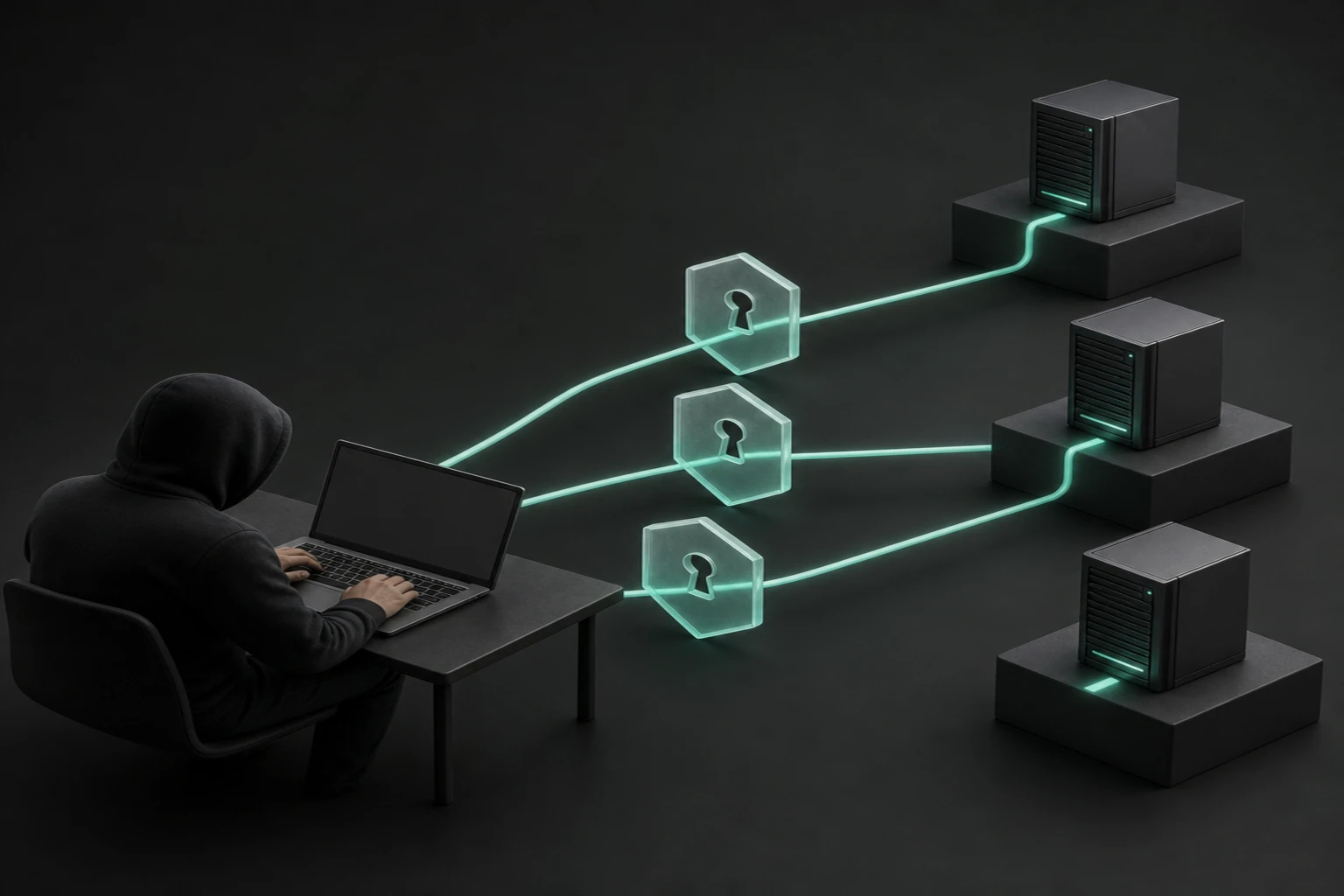
The best private network access tools for trading bot servers in 2026 depend on your operating systems, authorized operators and access policies: compare Tailscale, ZeroTier, NetBird, Twingate and Cloudflare One before choosing how people reach private SSH, RDP and internal web services. This comparison concerns administration, not routing trading execution through another network by default.
Start by separating the operator connection from the bot's connection to its broker. An administrator may need a private address for SSH or a protected dashboard, while the bot continues using its existing internet route. Accidentally changing the default gateway, DNS resolver or source address can affect unrelated services and broker allowlists. Draw the current paths first. Our guide to building a trading bot helps identify those dependencies before access tooling becomes another operational component.
Next, distinguish the things you are buying. A mesh client installed on each endpoint differs from a connector that reaches services inside a private network. Count people, devices, tagged servers, service identities and networks separately. A small commercial deployment may not qualify for a personal free plan. An inexpensive license can still require paid infrastructure, identity services, administration, logging and support. Choose a billing model that fits the actual inventory rather than comparing monthly-looking numbers alone.
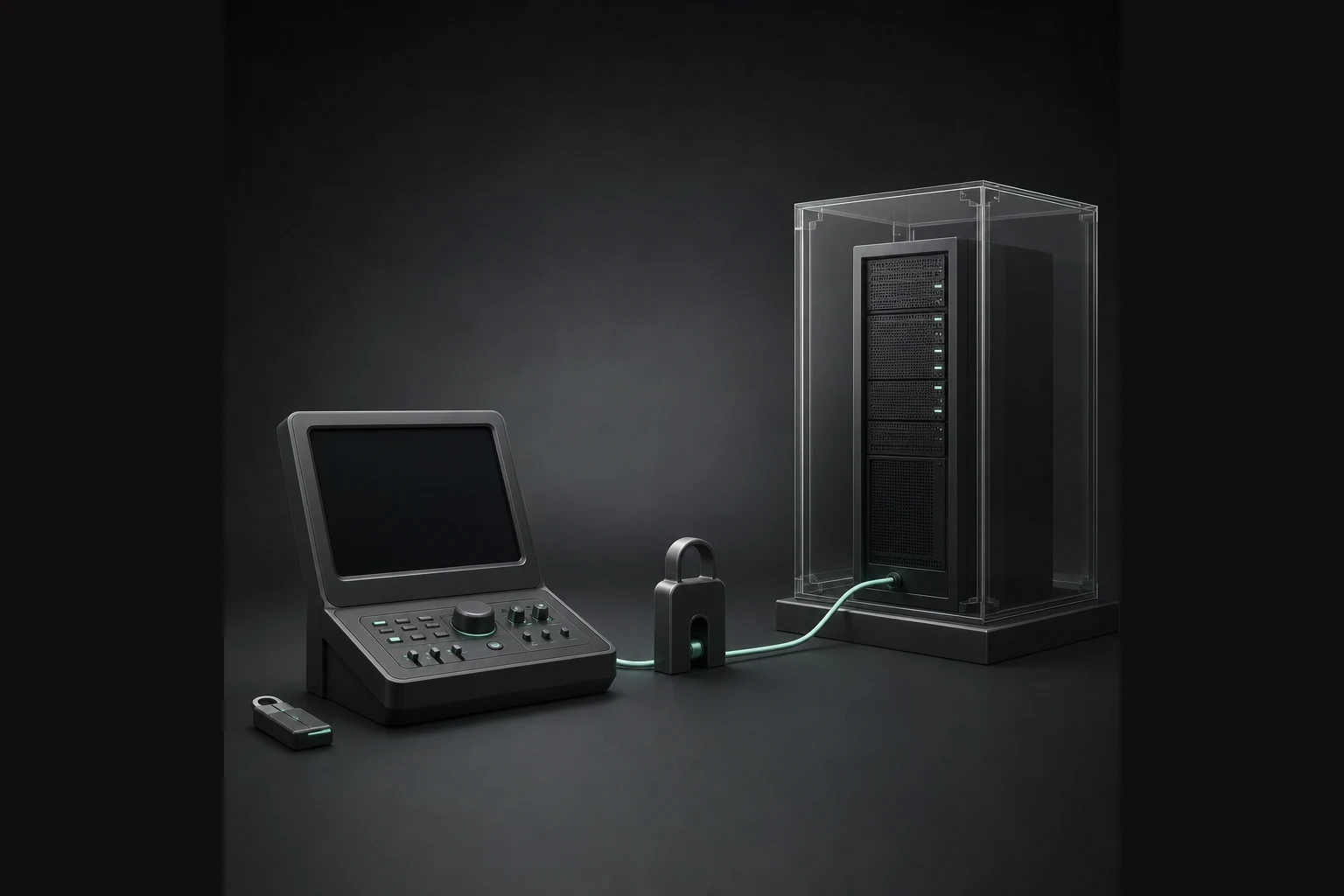
Finally, decide how you recover when access fails. Keep a provider console or another independently authenticated route that does not rely on the same client, connector, DNS or identity dependency. Test changes on a non-trading host, including revoked access and expired credentials. The trading-bot VPS comparison covers hosting choices; this article covers reaching a host you control. Neither private connectivity nor a successful login proves that trading is healthy or should resume.
Quick Answer
1. Tailscale
Best for: operators seeking endpoint-based private access with documented Windows Server support. Tailscale offers private networking clients for supported Windows and Linux systems with seat-based paid plans.
2. ZeroTier
Best for: teams budgeting by connected devices. ZeroTier offers virtual networking with commercial plans that include defined device allowances.
3. NetBird
Best for: teams comparing managed service and self-hosting. NetBird provides open-source private networking, cloud subscriptions and a documented self-hosted deployment path.
4. Twingate
Best for: resource-focused access through managed private-network connectors. Twingate combines user clients, a hosted control service and deployed Connectors to reach authorized resources.
5. Cloudflare One
Best for: teams evaluating identity-controlled access alongside Cloudflare connectivity. Cloudflare One combines Access policies, Tunnel connectors and appropriate client configuration for supported private-service access patterns.
Methodology and source date
By TradingBotExperts Editorial Team. Last updated: October 8, 2026. We reviewed the linked official pricing, installation and administration documentation on this date. Criteria were commercial eligibility, billing units, platform requirements, deployment responsibilities, identity controls, audit needs and recovery dependencies. This is documentation-based research, not hands-on testing, a security audit, a benchmark or a broker-compatibility certification. The order reflects use cases, not measured performance.
Prices below are displayed terms, not universal quotations. Currency, billing commitment, tax and add-ons require checkout confirmation. Free software licensing does not pay for hosting, bandwidth, logging, administration or support. We exclude announced features that are not available and disclose pricing gaps rather than fill them with remembered rates.
Private network access tools: comparison table
Swipe horizontally, or focus this table and use Left/Right arrows. End reaches Pricing; Home returns to Tool.
Tool
Best For
Strength
Limit
Pricing
Tailscale
Endpoint-based access
Documented Windows Server client support
Personal is non-commercial; billing units differ
Standard $8/user/month; Premium $18
ZeroTier
Device-based budgeting
Defined commercial device allowances
Personal excludes commercial use
Essential $18/month; extra devices $2 each
NetBird
Hosted or self-hosted operations
Deployment choice
Self-hosting needs ongoing operations
Team €6/active user/month; Business €12
Twingate
Selected private resources
Client and Connector architecture
Connectors require Linux or containers
Teams $5/user/month with yearly billing
Cloudflare One
Identity-controlled service access
Access and Tunnel integration
Separate connector/client requirements
Free proof-of-concept option; confirm paid quote
1. Tailscale
Best for: operators who want endpoint agents and can map people, tagged infrastructure and policy requirements before purchase.
Quick Answer: Tailscale's current paid plans use seat-based pricing, while tagged resources and ephemeral usage have separate allowances.
Features: The current pricing page lists Standard and Premium, with network flow logs and log streaming among Premium capabilities. The Windows installation guide specifies Windows 10 or later or Windows Server 2016 or later. The Linux guide provides distribution-specific installation routes.
Limits: Personal is explicitly non-commercial. Do not treat unlimited user devices as unlimited tagged infrastructure or ephemeral usage. Check exact Windows lifecycle, architecture and Linux package support rather than interpreting an installer requirement as approval to operate an obsolete host. Key expiry and replacement procedures also need an owner.
Pricing: Standard displays US$8 per user/month and Premium US$18. Tagged resources have an included allowance of 50 and a displayed US$1 monthly charge for each additional resource. Confirm commitment, ephemeral allowances, tax and logging requirements on the selected subscription. The free Personal plan is not a general commercial-server offer.
Choose if: the endpoint model fits your hosts and the chosen plan covers required logs. Avoid buying on the assumption that one seat automatically covers every kind of server resource without additional accounting.
2. ZeroTier
Best for: buyers who can inventory network members and prefer a device-based commercial package.
Quick Answer: ZeroTier Essential includes a commercial license and ten devices, with additional devices billed separately.
Features: The official plan comparison lists virtual networks, administrative allowances and 30-day audit logs for Essential. Scale adds larger allowances and custom flow rules. The download page provides Windows, macOS and Linux options and distinguishes some legacy or community-supported platforms.
Limits: Personal is non-commercial even if the deployment is small. Do not equate available source code with unrestricted commercial self-hosting rights. Enterprise self-hosted or air-gapped offerings require their own terms. Features marked Coming Soon are excluded from this comparison. A legacy Windows download is not evidence that an old Windows Server release remains an appropriate supported deployment.
Pricing: Essential displays US$18/month for ten devices, then US$2 per additional device/month. Scale displays US$179/month for 100 devices, then US$1.80 each. Confirm the relevant platform, commercial agreement and network allowances; device totals are not interchangeable with named operator seats.
Choose if: device-based costing fits the estate and you can maintain restrictive network rules. Avoid treating membership in a virtual network as permission for every member to reach every administrative port.
3. NetBird
Best for: teams deciding between a managed control service and operating their own private-network infrastructure.
Get the Top 5 Bots for Early Retirement report:
Quick Answer: NetBird's displayed cloud pricing uses active users and machines, and its official documentation also supports self-hosted deployment.
Features: The installation index covers Windows, macOS and Linux. The Windows instructions document interactive and automated installation, including elevated permissions for installing the service. Business lists controls including device approvals and traffic-log capabilities.
Limits: The self-hosted guide explicitly identifies its older multi-container architecture and directs new deployments to the combined-container quickstart. Follow that current guidance rather than copying obsolete layouts. Self-hosting transfers infrastructure, patching, identity integration, monitoring and recovery responsibilities to you. It does not imply that every enterprise feature is free or that every Windows Server edition is certified.
Pricing: The retrieved cloud pricing page displays EUR: Team €6 per active user/month and Business €12, with 100 machines plus ten per user and additional machines at €0.50/month. The free cloud tier lists five users and 100 machines. Billing activity means connecting or logging in during the period; validate commercial terms and selected deployment before budgeting.
Choose if: deployment choice matters and someone owns the operational work. Avoid self-hosting solely to remove a subscription line while ignoring identity dependencies, maintenance and restoration costs.
4. Twingate
Best for: teams granting selected users access to specific services through private-network Connectors.
Quick Answer: Twingate uses clients, a hosted control service and deployed Connectors rather than requiring every protected resource to be another equivalent mesh endpoint.
Features: The architecture guide separates Controllers, Clients, Connectors and Relays. Connectors initiate outbound connections and reach configured resources. The deployment guide specifies Linux packages or OCI containers with distribution and architecture requirements.
Limits: Windows client availability does not mean a Connector runs natively on Windows. Home is explicitly non-commercial. Service accounts, resource allowances and advanced controls differ by plan. A hosted control service with your own Connectors is not a fully self-hosted control plane. We make no finding about vendor speed or latency claims.
Pricing: The selected yearly view on the pricing page displays Teams at US$5/user/month and Business at US$10. Home displays US$15/month; Starter has a free option. Mixed monthly/yearly figures appear in the comparison, so confirm the chosen commitment, renewal and total rather than treating the annual-view rate as month-to-month billing.
Choose if: resource-oriented access fits your policy and you can place and maintain supported Connectors. Avoid it as a presumed native Windows-only connector solution without verifying the deployment design.
5. Cloudflare One
Best for: teams evaluating identity-controlled private services within a broader Cloudflare access configuration.
Quick Answer: Cloudflare Access supplies policies, Tunnel supplies connectivity, and the appropriate endpoint-client configuration depends on how the private service is accessed.
Limits: A Tunnel is not automatically a correct authorization policy. The retrieved client matrix lists Windows 10 LTSC, Windows 11 and Windows 365 Cloud PC, not blanket Windows Server support. Check client and connector requirements separately, including supported versions. The seat-management documentation distinguishes freeing a billable seat from revoking access: preventing reauthentication requires appropriate enrollment or identity-provider changes.
Pricing: The current Cloudflare One pricing page presents a free proof-of-concept option but did not provide a reliably extractable paid-seat rate. Obtain the chosen plan's current quote and allowances. We do not reuse remembered prices or free-seat counts.
Choose if: you can validate the complete Access, Tunnel and client design. Avoid treating connector installation alone as proof that a service is private, appropriately authorized or ready for live operation.
Choose or avoid: practical operator decisions
Budget and commercial use: first establish license eligibility. Tailscale Personal, ZeroTier Personal and Twingate Home are not commercial shortcuts. Compare seats, devices, active machines and resource allowances using the same inventory, including support and hosting costs.
Beginners and deployment ownership: favor a managed service when nobody owns patching and identity recovery. Self-hosting is a responsibility, not inherently a security advantage. Record who maintains agents, Connectors and any control-plane components.
Windows Server and Linux: verify exact editions, architectures, package requirements and lifecycle. Tailscale explicitly documents Windows Server 2016 or later; broader Windows branding elsewhere is insufficient. Test Linux services without relying on a desktop session.
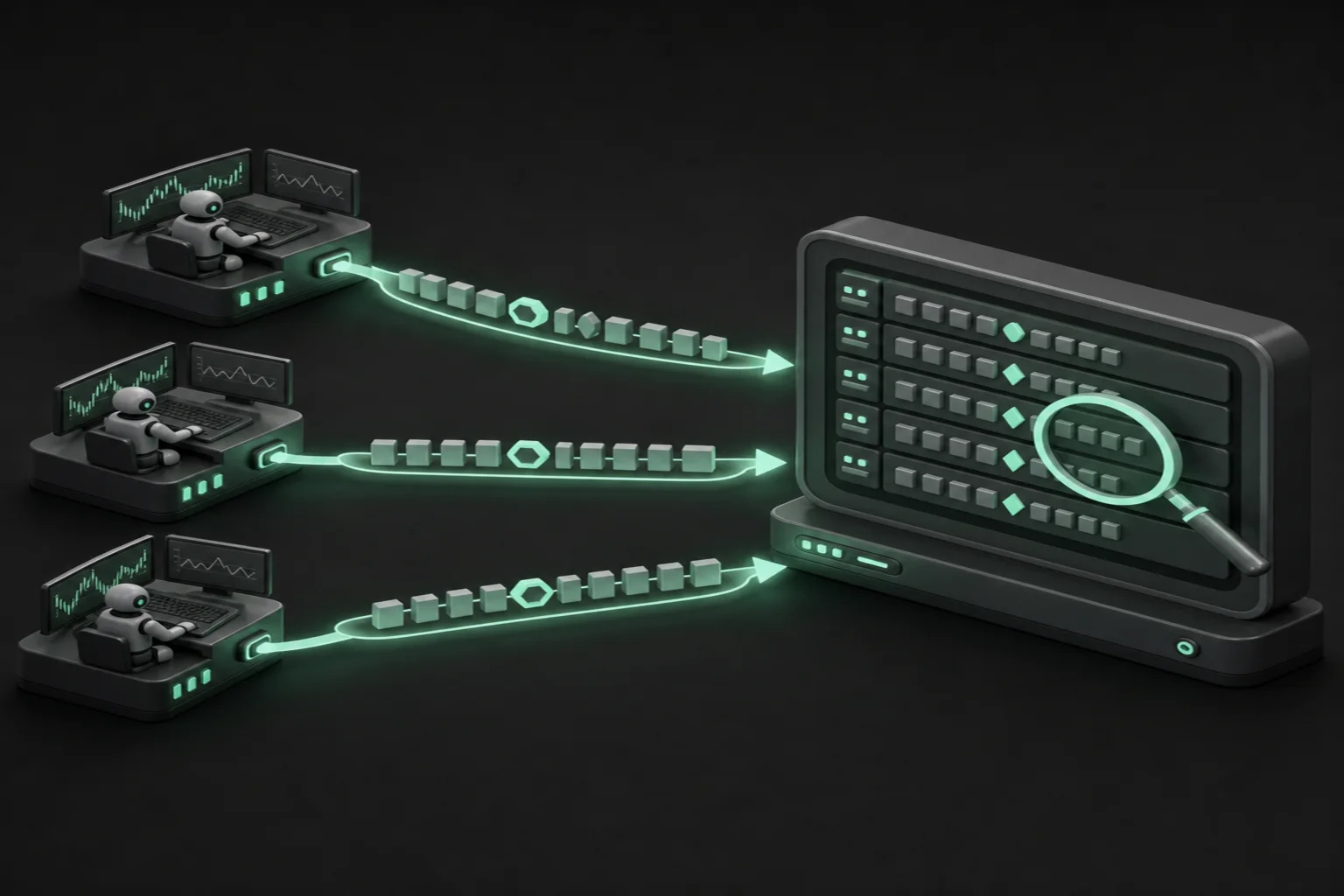
Identity and audit needs: specify who may access each host and port, required log retention, export destinations and revocation procedures. Check plan gates before purchasing. Network logs are not a complete record of broker orders or a compliance certification.
Agents versus Connectors: direct endpoint installation can simplify a small inventory; a Connector can expose selected resources behind it. Neither model justifies broad subnet access by default. Restrict destinations and administrative identities.
Routing, DNS and recovery: document intended routes and name resolution before rollout. Avoid default-route or broker-egress changes unless separately justified and tested. Keep independent recovery access that survives failure of the new service.
These tools do not supply broker integrations, guaranteed security, compliance, automatic static broker egress IPs, improved execution latency, returns or uptime. They do not grant permission to bypass geographic restrictions. For screen control, use the separate remote-desktop comparison. After an incident, inspect the bot's state and reconcile broker orders and positions before deliberately deciding whether trading may resume.
Frequently asked questions
Can I use a personal free plan for a commercial trading server?
Not automatically. Tailscale Personal and ZeroTier Personal are non-commercial, and Twingate Home is also non-commercial. Confirm the chosen product's current license and business-use terms before deployment.
Will private network access make my bot execute trades faster?
No improvement is established here. This comparison concerns authorized administrative access, not broker execution performance. Keep broker-facing routes unchanged unless a separate controlled test and operational review justify a change.
Does a Windows client mean Windows Server is supported?
No. Verify the exact operating-system edition, version and component. Endpoint clients and private-network Connectors can have different requirements; a Windows download alone does not establish blanket Windows Server support.
What recovery access should I keep?
Keep an independently authenticated provider console or equivalent route that does not depend on the new access service. Test it with trading disabled, protect its credentials, and reconcile bot state with broker orders and positions before resuming trading after an incident.
Educational software research, not financial advice, a security certification or an operational guarantee. Validate current terms and test changes away from active trading.
Free Report
Before You Choose a Bot, Read This
Get our free Top 5 Bots for Early Retirement report plus The Bot Report newsletter — the bots we'd actually trust to compound over the long term.
Written by
TradingBotExperts Editorial Team
15 min read
The TradingBotExperts Editorial Team researches trading software, official documentation, operational tooling and trading automation risks.
How to Choose the Best Trading Bots for Your Strategy
Take our free quiz to show how to pick bots that actually work for you
Get My Free Bot Report
Get Our Expert Bot Recommendation
Skip hours of research. Our experts have tested dozens of trading bots so you don’t have to. Answer 6 quick questions and get a personalized recommendation based on your trading style and goals.”
Join The Bot Report newsletter and get our free guide to the five trading bots most likely to help you retire early — backed by real reviews and verified performance.