Skip hours of research. Our experts have tested dozens of trading bots so you don’t have to. Answer 6 quick questions and get a personalized recommendation based on your trading style and goals.”
Best Backup Software for Trading Bot Servers in 2026
The best backup software for trading bot servers in 2026 depends on your operating system, storage destination and recovery procedure: compare restic, BorgBackup, Kopia, Duplicati and Arq Backup for protecting bot files and configuration. These tools help retain recoverable copies; they do not reconstruct broker truth or authorize a restored worker to resume trading.
Start with what would stop you rebuilding after a failed update or deleted server. Inventory strategy code, dependency versions, configuration, deployment instructions and consistent database exports. Separate reproducible software from irreplaceable state. A source repository alone may omit runtime settings; a server snapshot may contain stale credentials or an order queue that must never be replayed automatically. Record which components need recovery, where their copies live and who can decrypt them.
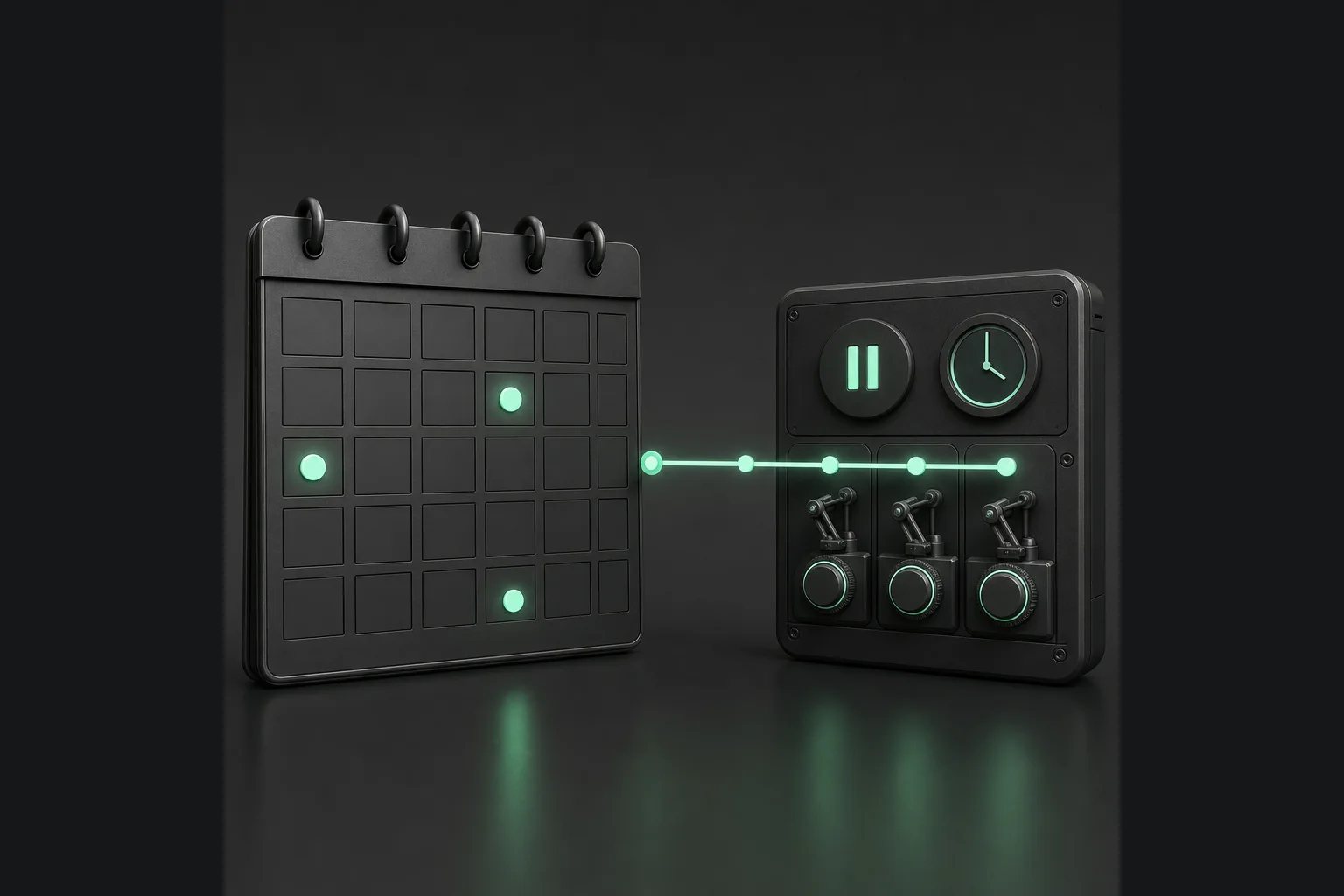
Define two objectives before comparing prices. Your recovery point objective is the amount of historical data you can accept losing; your recovery time objective is the time allowed to restore a usable environment. Neither follows automatically from a scheduled backup. Transfer duration, repository availability, missing keys, database imports and broker reconciliation all affect the practical outcome. Measure a rehearsal with representative data, and document what was excluded rather than treating a green completion message as evidence of readiness.
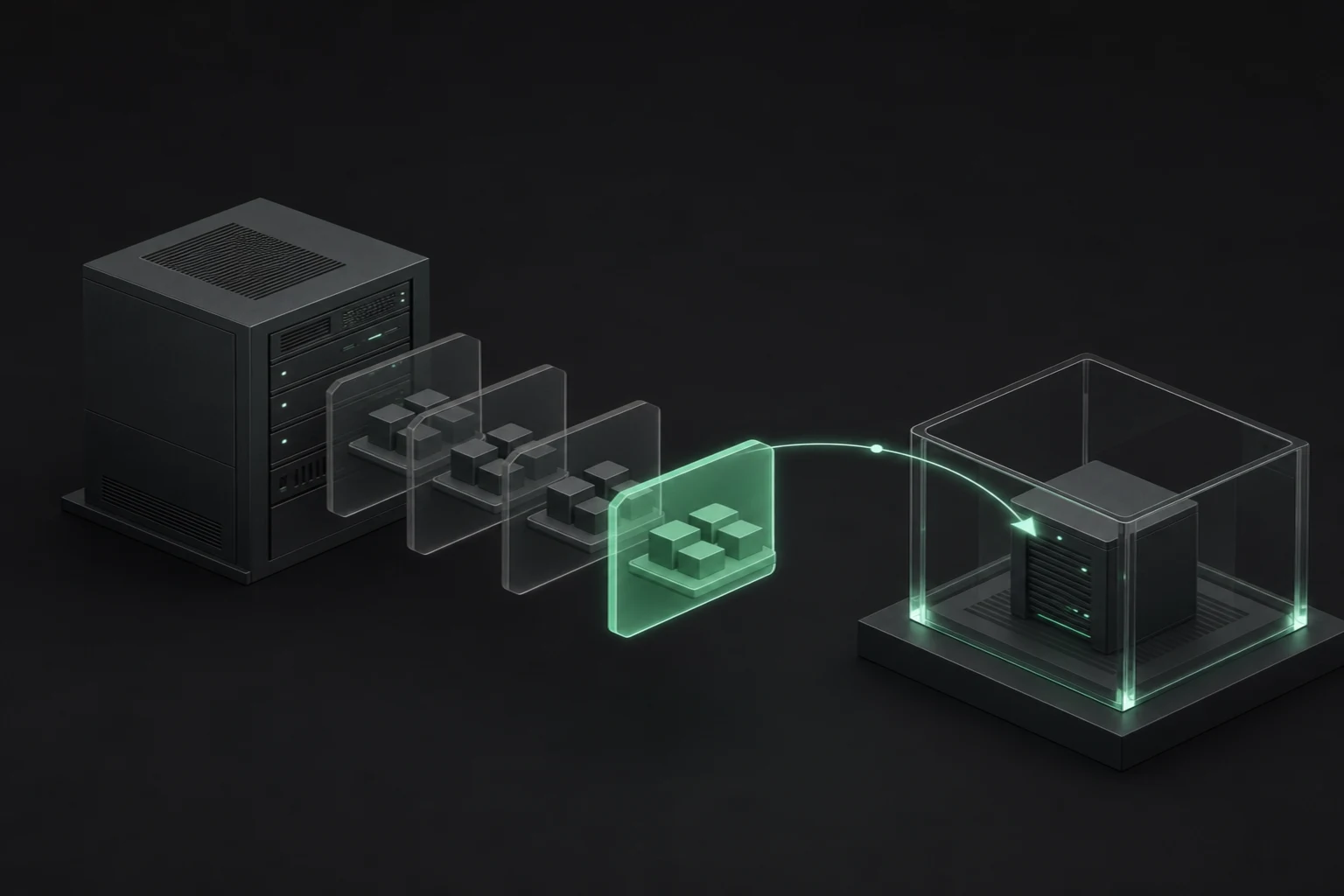
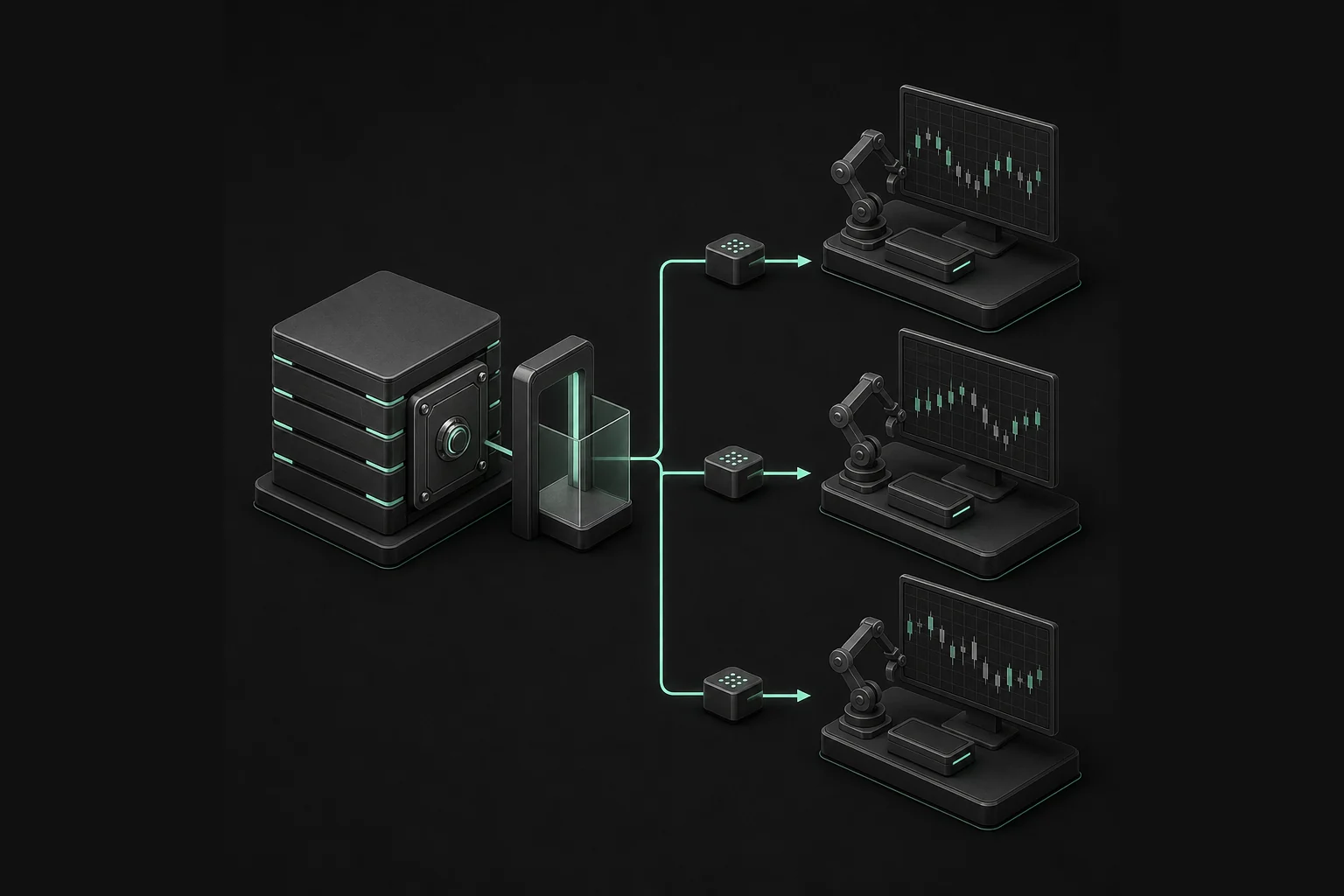
Plan restoration into an isolated environment with trading disabled. Prevent restored services, scheduled jobs and retries from submitting orders. After validating files and state, reconcile open orders, executions and positions against the broker before an authorized operator considers resumption. Our bot-building guide provides application context, while the trading-bot VPS comparison addresses hosting rather than backup software. The choices below help you buy the right recovery tooling, not a promise of uptime or protection from trading losses.
Quick Answer
1. restic
Best for: scripted, mixed-platform workers. It provides encrypted file backups with snapshot restoration and repository checks.
2. BorgBackup
Best for: Linux/Unix operators using local or SSH repositories. It combines deduplication, compression and authenticated encryption.
3. Kopia
Best for: teams wanting graphical and command-line workflows. It supports policy-driven encrypted snapshots to operator-selected storage.
4. Duplicati
Best for: browser-based administration with optional centralized management. It offers cross-platform backup packages and separately priced console services.
5. Arq Backup
Best for: supported Windows Server installations. It provides versioned file backups to configured storage with a graphical application.
Methodology: how we compare backup software
By TradingBotExperts Editorial Team. Last updated: October 6, 2026. We reviewed the linked official documentation, product and pricing pages on this date. Criteria were operating-system support, storage destinations, encryption, scheduling, retention, recovery workflow, database consistency, administrative effort, support and total cost. Ordering reflects operator fit, not a measured speed or reliability ranking.
This is documentation-based research, not hands-on testing, benchmarking, a security assessment or a verified recovery guarantee. We did not install these products or test broker compatibility. Duplicati exposes multiple paid rate variants, and Arq's official pages disagree on Premium storage overages. Those ambiguities remain explicit rather than becoming an invented all-in price.
Backup software for trading bot servers: comparison table
Swipe horizontally, or focus this table and use Left/Right arrows. End reaches Pricing; Home returns to Tool.
Tool
Best For
Strength
Limit
Pricing
restic
Scripted workers
Portable encrypted backups
Operator-owned scheduling and recovery
Free software; storage and operations extra
BorgBackup
Linux/Unix and SSH
Deduplication and encryption
Changing files need consistency controls
Free software; hosting/support extra
Kopia
GUI/CLI teams
Snapshot and retention policies
Shared repository trust requires care
Open-source software; storage extra
Duplicati
Browser-based administration
Optional managed console
Client and console pricing differ
Free console tier; Pro shows $2/$2.50 per machine/month variants
Arq Backup
Windows Server operators
Versioned file recovery
No advertised Linux client
Arq 7 $59.99/computer; Premium $69.99/year
1. restic
Best for: operators who prefer repeatable command-line workflows across different worker environments.
Features: The official restic overview lists Linux, BSD, Mac and Windows support, multiple storage types, encryption and efficient transfer of changed file content. The stable quickstart demonstrates repository initialization, snapshots, restoration into a chosen target directory and metadata or full-data checks. These are useful building blocks for an operator-owned recovery runbook.
Limits: A command that can restore a snapshot is not a complete recovery service. You must arrange scheduling, failure notifications, retention and key access. Confirm the selected backend and installed release against your operating environment. Treat live database files as a separate consistency problem: capture a supported export or coordinated snapshot instead of assuming ordinary file copying preserves transactional state.
Pricing: restic is free, open-source software under the BSD 2-Clause license. The software price excludes repository storage, bandwidth, retrieval and request charges, administration and any separately purchased support. Estimate recovery traffic as well as daily incremental uploads; a low monthly storage bill can conceal an expensive or slow full retrieval.
Choose if: someone can maintain scripts and rehearse restoration. Avoid it when command-line ownership is missing or when you expect the application itself to provide a managed response team.
2. BorgBackup
Best for: Linux/Unix teams with a local or SSH-accessible repository and confidence managing backup archives.
Features: The official BorgBackup site describes deduplication, compression, authenticated encryption and mountable archives. It lists Linux, macOS and BSD installation options. Its current production guidance identifies the 1.4 stable series; Borg 2.0 is testing and should not be used in production. Do not present its platform coverage as native Windows parity.
Limits: The stable quickstart explicitly states that Borg does not ensure internal consistency of backed-up data. Files changing during capture can disagree with one another or be internally inconsistent. Coordinate database dumps, suitable snapshots or stopped writers as appropriate. Repositories and caches also need free space for normal maintenance; filling the destination can complicate recovery and cleanup.
Pricing: Borg is free BSD-licensed software with community support. Remote hosting, storage, administration and commercial assistance are separate. Compare the actual repository service and retention footprint, not a zero-dollar software license against another product's storage-inclusive subscription.
Choose if: Unix administration and SSH storage fit your operating model. Avoid it for an assumed native Windows workflow, an untested release migration or a database backup plan that ignores changing files.
3. Kopia
Best for: teams wanting graphical and command-line access to policy-driven backups across Windows, macOS and Linux.
Features: The official Kopia overview describes encrypted, compressed and deduplicated backups. Its feature documentation covers snapshot scheduling and retention policies, multiple cloud/network/local destinations, restoration methods and repository consistency checks. Policies can be scoped to different users, machines or paths rather than making every server follow one undifferentiated rule.
Get the Top 5 Bots for Early Retirement report:
Limits: The documentation warns that directly sharing repository credentials also shares access to its data. Do not assume that separate workers automatically create separate security boundaries. Repository passwords need recoverable, separately protected custody; losing a password can make restoration impossible. Rclone support is described as experimental, so verify the specific destination instead of equating a listed integration with a tested deployment.
Pricing: Kopia is open-source software; you select, provision and pay for storage. Budget destination capacity, API activity, retrieval, bandwidth and operational support independently. Maintenance and retention policies can affect resource usage, so validate them against both ordinary growth and a recovery event.
Choose if: shared GUI/CLI workflows and policy controls match the team. Avoid it when repository trust, password recovery or the chosen backend remains unresolved.
4. Duplicati
Best for: operators who want browser-based backup administration and may value separately purchased centralized management.
Features: The official installation guide describes Windows, macOS and Linux packages, a GUI package with a local web interface, and command-line or remote-management options for environments without a desktop. Select the package for your architecture and deployment rather than assuming every installer is interchangeable.
Limits: Distinguish the open-source backup client from the hosted console and integrated storage. Secure administrative access and confirm headless operation, service permissions and destination support for your server. A remote dashboard's history is not itself your recoverable data, and an alert about a completed job does not demonstrate that a fresh machine can restore it.
Pricing: The official pricing page lists a free console tier monitoring up to two machines and the last 200 backups. Pro exposes $2 and $2.50 per machine/month variants alongside billing-cadence controls; confirm the selected cadence and checkout terms rather than treating either as an unconditional rate. Pro lists 100 GB of storage per machine. Additional integrated storage is listed at $0.60 per 100 GB/month, billed yearly. Do not confuse console allowances with unlimited free backup storage.
Choose if: the administration workflow and verified console terms justify the setup. Avoid it when remote access is poorly protected or when unresolved billing and retention assumptions prevent a defensible budget.
5. Arq Backup
Best for: Windows Server operators who want a supported graphical application for versioned file recovery.
Features: The official product page describes versioned, encrypted file backups with compression, deduplication and configurable destinations. The download instructions explicitly list Windows Server 2012 or later, requiring .NET 4.7.2 or later. Arq also advertises Mac support, but no Linux client. A vendor's minimum supported version is not a recommendation to operate an obsolete OS.
Limits: File backup is not bare-metal recovery. You still need operating-system rebuilding, dependencies, permissions and application validation. Filesystem snapshots do not remove the need to verify database consistency. The application cannot establish whether a restored pending order already executed at the broker.
Pricing: The pricing page lists Arq 7 at $59.99 per computer, application only, using your own storage. The pricing FAQ includes one year of updates, with optional subsequent updates at $25 per computer/year. Arq Premium lists $69.99/year for five computers and 1 TB. Official pages disagree on Premium overage pricing, so we do not quote an overage rate without confirmation. Check business-use licensing; the family-pack FAQ excludes company purchases.
Choose if: your supported Windows environment and budget fit its graphical workflow. Avoid it for Linux workers or a recovery requirement that depends on an assumed full-server image.
Decision framework: choose and avoid by operating need
Budget: Choose restic when free licensing and operator-owned storage fit. Avoid comparing its license price alone with storage-inclusive plans; retrieval and administration still cost money.
Beginners: Choose Kopia if its GUI makes policies understandable. Avoid any tool until someone can recover the password and restore a sample into a separate directory.
Linux: Choose BorgBackup's stable series for an established Unix/SSH workflow. Avoid Borg 2.0 for production and do not overlook database consistency.
Windows Server: Choose Arq Backup after confirming server version and dependencies. Avoid it when Linux portability or bare-metal restoration is mandatory.
Active operations: Choose restic with an operator-controlled schedule and resource limits. Avoid backup I/O or bandwidth contention on the order-critical path; measure its effect in a safe environment.
Restore testing: Choose Kopia if its restoration and consistency-check workflows suit your team. Avoid treating repository checks as a substitute for rebuilding a usable application.
Database consistency: Choose BorgBackup only alongside a verified export or coordinated snapshot procedure. Avoid copying changing database files and calling the result transactionally consistent.
Broker reconciliation: Choose Duplicati only if its restored files feed a trading-disabled recovery runbook. Avoid replaying restored queues or assuming local state proves an order was never sent.
Recovery objectives: Choose Arq Backup for a Windows file-recovery requirement only after a rehearsal meets your recovery point and recovery time objectives. Avoid interpreting a schedule or subscription as a contractual recovery promise.
Proof and evidence: what a recovery runbook must establish
The official sources reviewed on October 6, 2026 support product and pricing descriptions, not measured recovery results. Before adoption, record an operator-owned drill: selected snapshot time, export method, files restored, validation outcome and elapsed recovery time. Explain missing data and unresolved dependencies. This article supplies no benchmark, uptime claim, returns claim or hands-on result.
Restore into isolation with trading disabled, including background workers and scheduled retries. Validate code/configuration versions and database imports. Then reconcile broker open orders, executions and positions, resolving uncertain submissions before an authorized operator permits trading. A successful restore is not proof trading may resume safely, and no backup tool guarantees exactly-once execution or loss-free recovery.
Encryption protects confidentiality; it is not immutability or evidence of compliance. Review deletion permissions and any separately configured retention controls. Keep backup keys independently recoverable and manage trading credentials through the secrets-manager workflow. Never treat an encrypted archive as permission to distribute unrestricted live keys.
No. Storage, bandwidth, retrieval, administration and support can cost money even when the software license is free.
Can I copy a running bot's database files?
Not safely by assumption. Changing files may be internally inconsistent; use a database-supported export or coordinated snapshot and validate restoration.
Does encryption make backups immutable or compliant?
No. Encryption is not immutability or compliance. Deletion permissions, retention controls, access policies and applicable requirements need separate review.
Can trading resume immediately after a successful restore?
No. Restore with trading disabled, validate the application and reconcile broker orders, executions and positions before an authorized operator permits resumption.
Educational software research, not financial advice, a recovery guarantee or a security certification. Verify current official terms and rehearse recovery before changing live infrastructure.
Free Report
Before You Choose a Bot, Read This
Get our free Top 5 Bots for Early Retirement report plus The Bot Report newsletter — the bots we'd actually trust to compound over the long term.
Written by
TradingBotExperts Editorial Team
14 min read
The TradingBotExperts Editorial Team researches trading software, official documentation, operational tooling and trading automation risks.
How to Choose the Best Trading Bots for Your Strategy
Take our free quiz to show how to pick bots that actually work for you
Get My Free Bot Report
Get Our Expert Bot Recommendation
Skip hours of research. Our experts have tested dozens of trading bots so you don’t have to. Answer 6 quick questions and get a personalized recommendation based on your trading style and goals.”
Join The Bot Report newsletter and get our free guide to the five trading bots most likely to help you retire early — backed by real reviews and verified performance.